

Deactivating your license
1
Right click the Draftable Desktop icon in the toolbar and select settings. 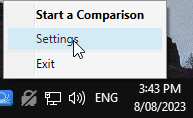
2
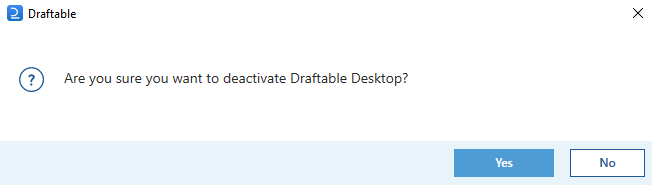
In the licensing tab, select deactivate, and in the following screen click yes. 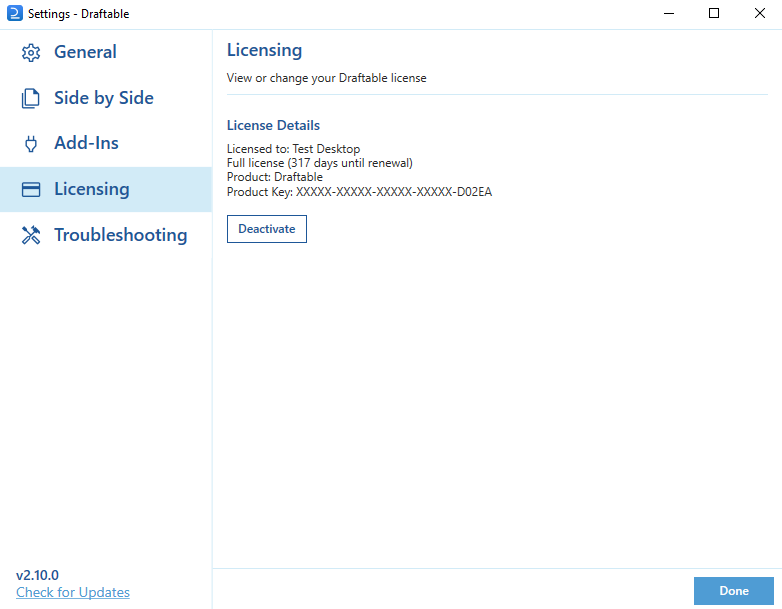
3
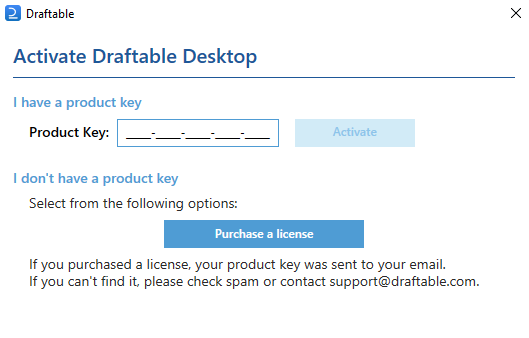
This will remove your product key from your Draftable Business application, which will allow you to enter a new product key in the following screen below.If you don’t intend on using a new key, you can simply close this window.
4
Email support. Deactivating removes the product key from this machine, but it does not by itself free up the activation on your licence.If you need to deactivate licences in order to reuse them on other machines, contact the Draftable support team at support@draftable.com. We will provide the right steps and confirm once the activations are available again.