

Pre-requisites
Software
Before you begin, make sure you have the following installed on your Linux server:- A Linux distribution that supports Docker (or equivalent container runtime)
- Docker is installed and running
- Docker Compose plugin installed
Hardware
Your server should meet the following minimum requirements:- Processor: 4 cores running at 2.5 GHz (Intel Xeon 8000 series or better)
- Memory: 8 GB RAM minimum
- Storage: 20 GB free disk space
Configuration Files
You can find the Docker Compose file and a sample.env configuration file at our GitHub repository:
https://github.com/draftable/apish
Initial Deployment
1
Prepare your directory
On your Linux server, create a dedicated folder that contains your
.env file and the Docker Compose file. Adjust the settings in the .env file to suit your use case.Note: You can pre-configure your product key in the
.env file.
Example:2
Navigate to the directory and deploy the container
First ensure you are currently operating within the directory where the compose file and .env exists. Run the following command from inside your deployment folder:
3
Note
Add the
-d flag if you want to run the container in the background:4
Access the UI
Open your browser and navigate to the HTTPS address you configured in your 
.env and Compose files.Example:5
Set up the Administrator account
On first launch, you will be prompted to create an Administrator account.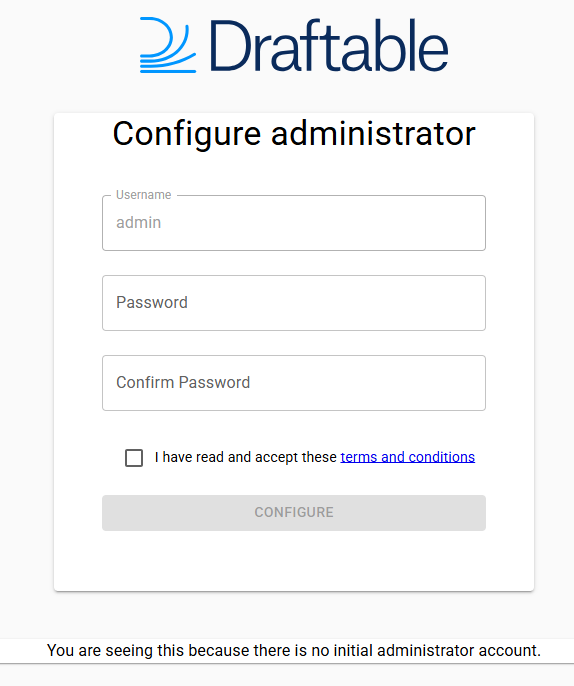
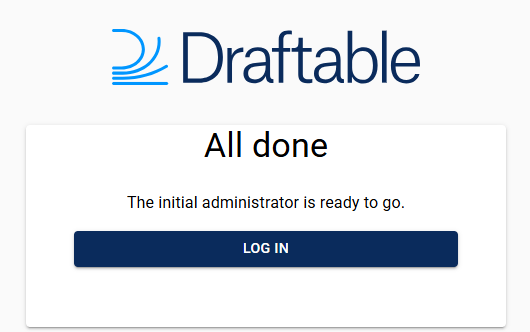
6
Log in as Administrator
After creating your account, log in with the Administrator credentials. 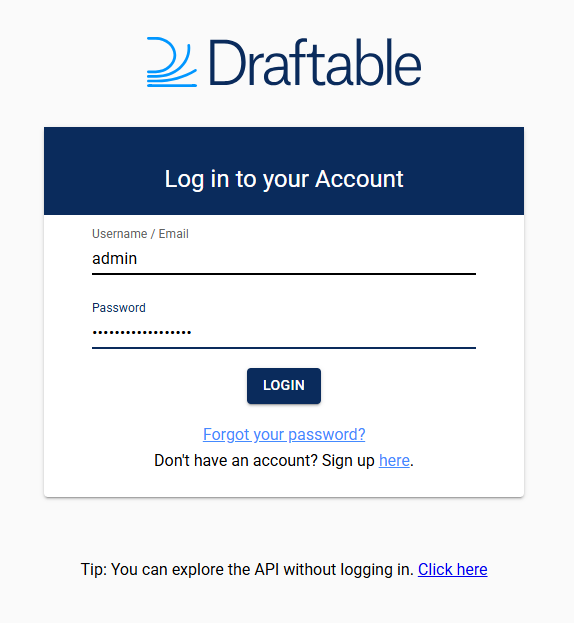
You now have full UI access to the container.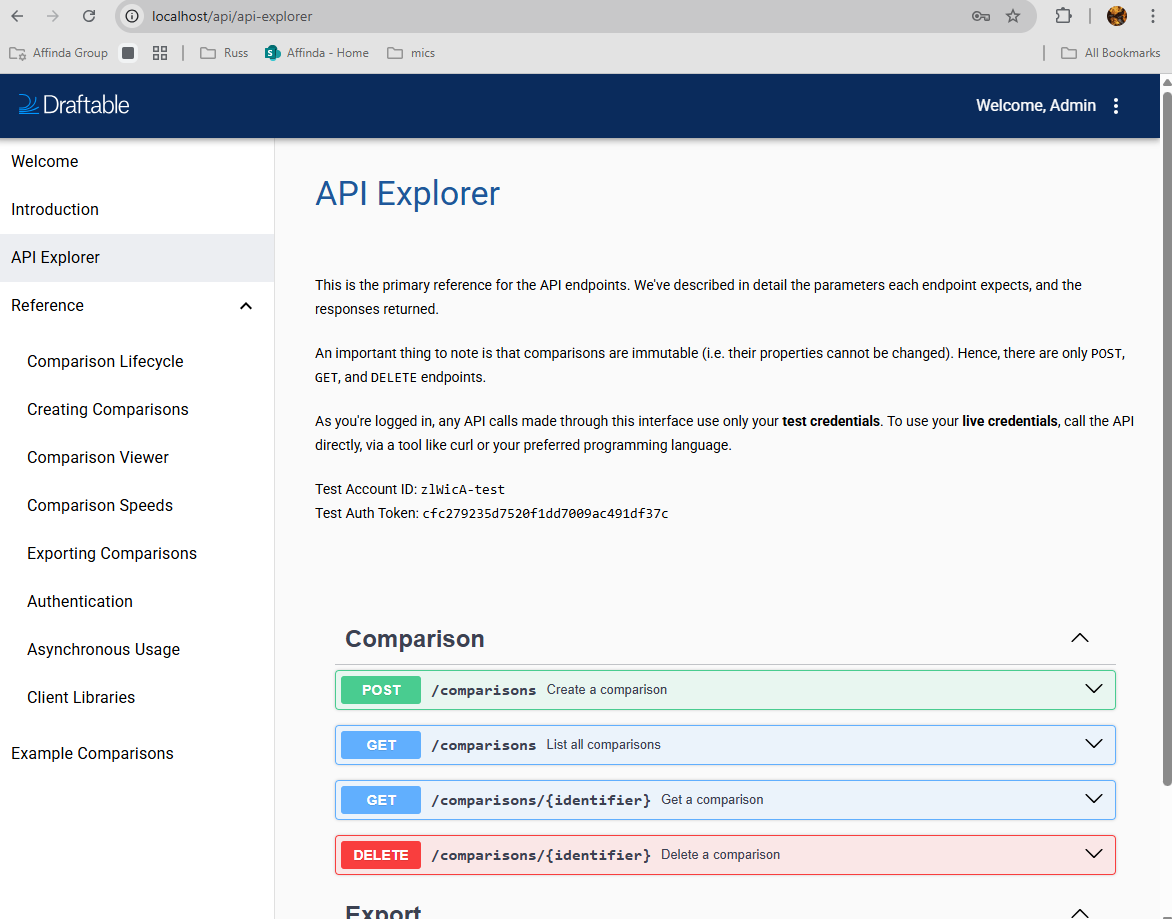
You now have full UI access to the container.
7
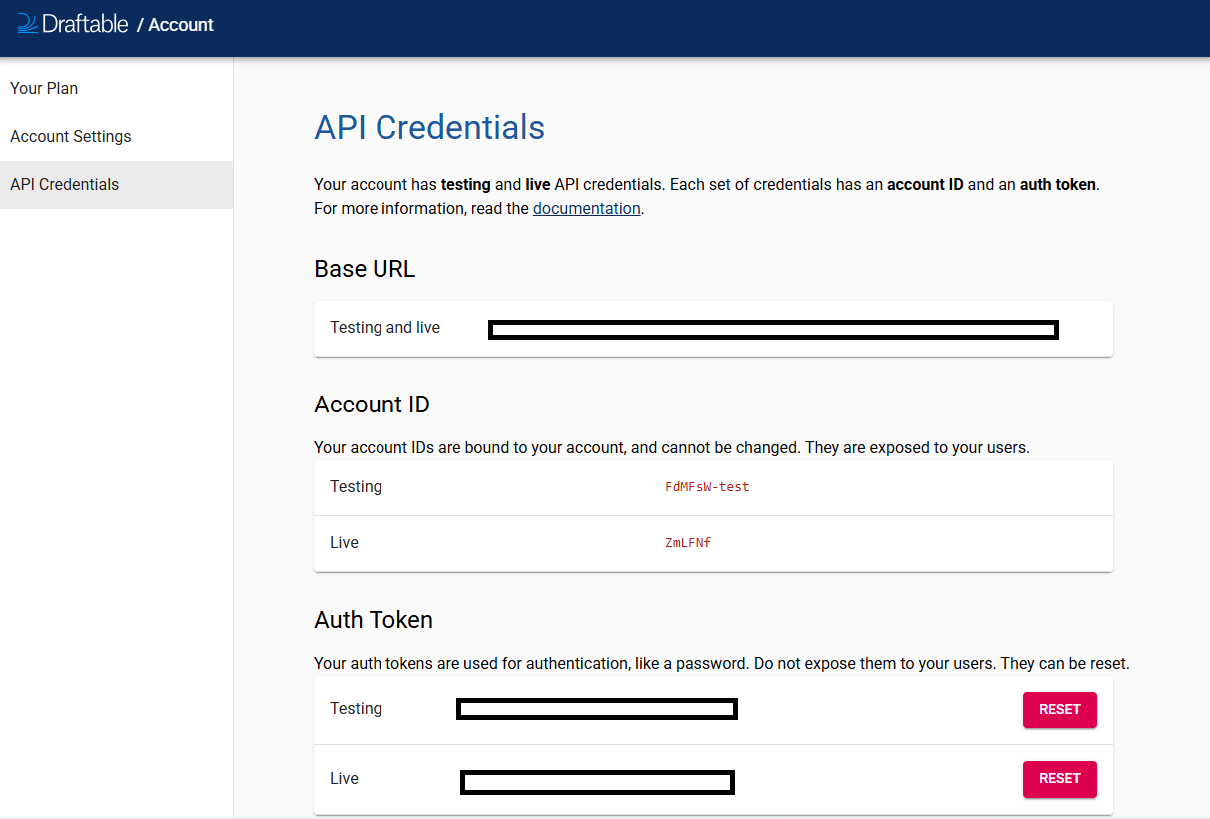
Retrieve your API credentials
Navigate to Account Settings within the Administrator portal to view your API credentials. 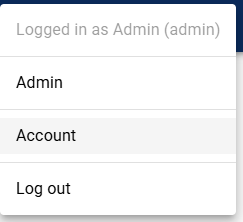
8
Manage users and settings
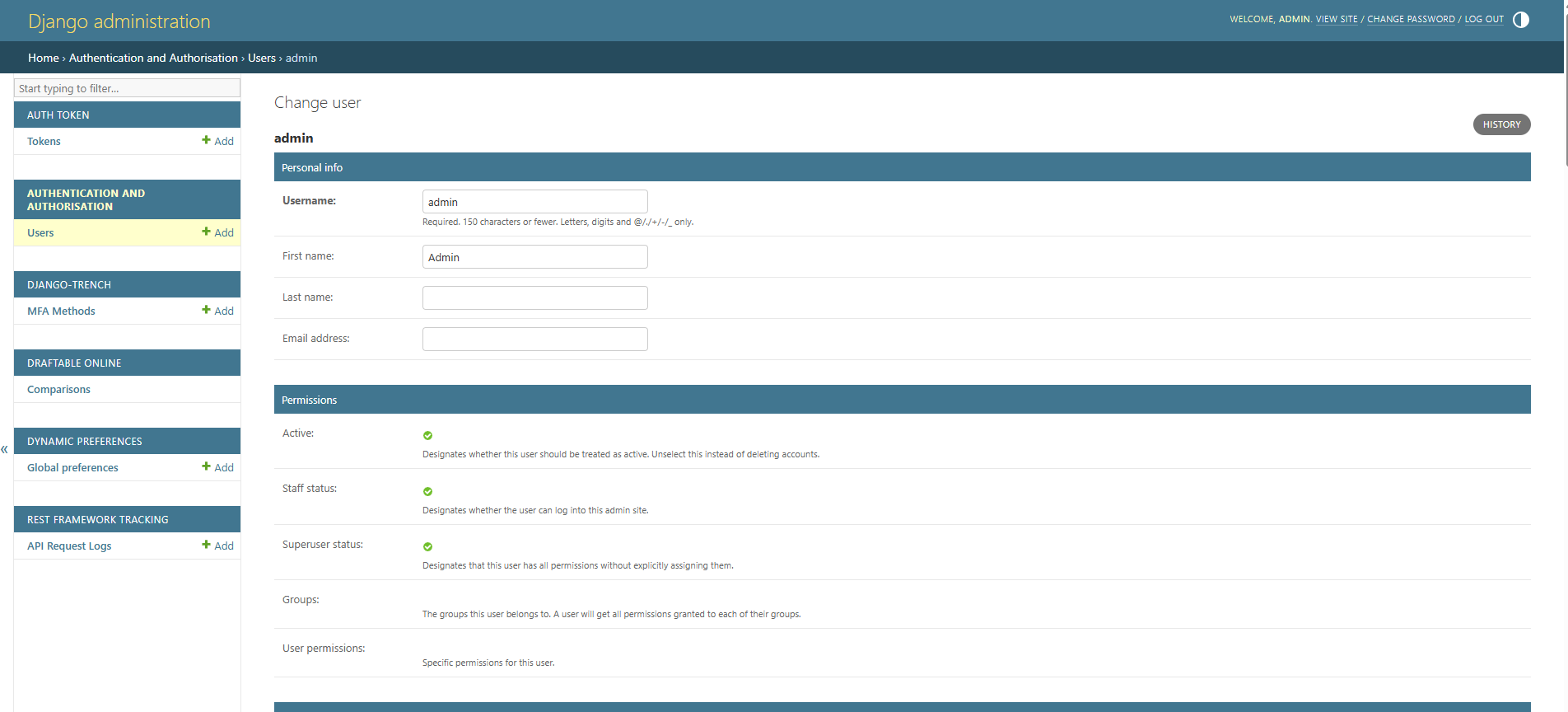
Use the Administrator portal to modify user accounts, update settings, and manage your deployment. Selecting the Account settings of the user you wish to configure will open the Django administration page.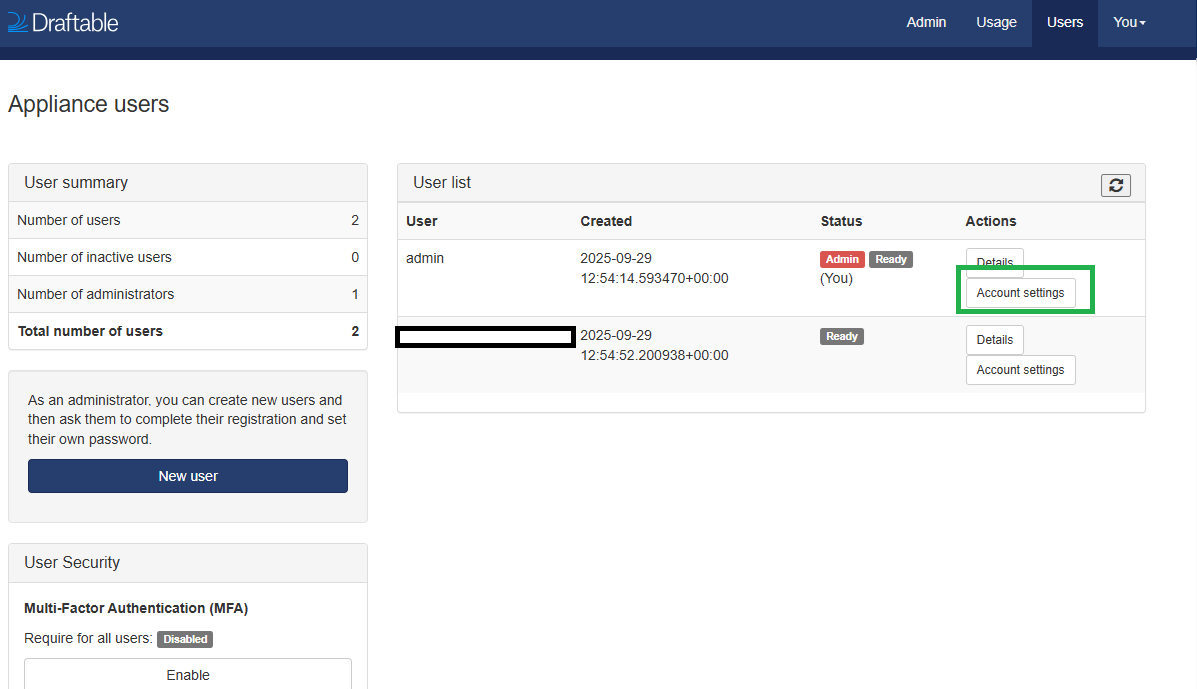
9
You are now ready to use API Self Hosted v3!
✅ You are now ready to use API Self Hosted v3! If you are having any issues deploying or problems related to the new image version, please get in touch at support@draftable.com.