Creating new users steps
1
The administrator will need to navigate to the admin page of their Self Hosted instance. 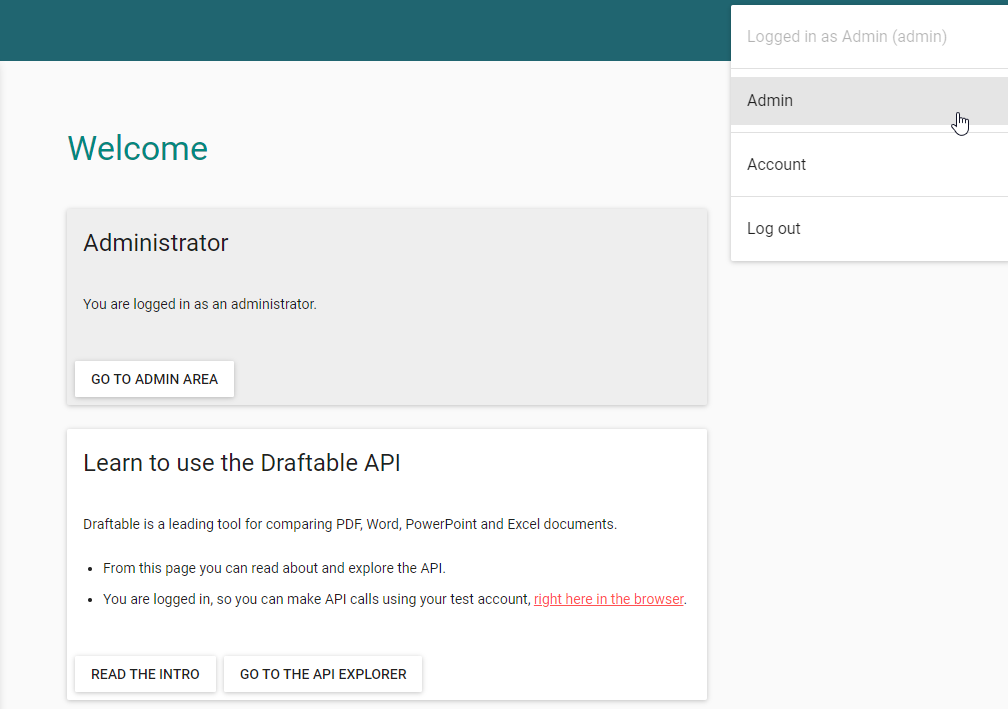
2
Once on this screen you can click new user, to generate a new user account. 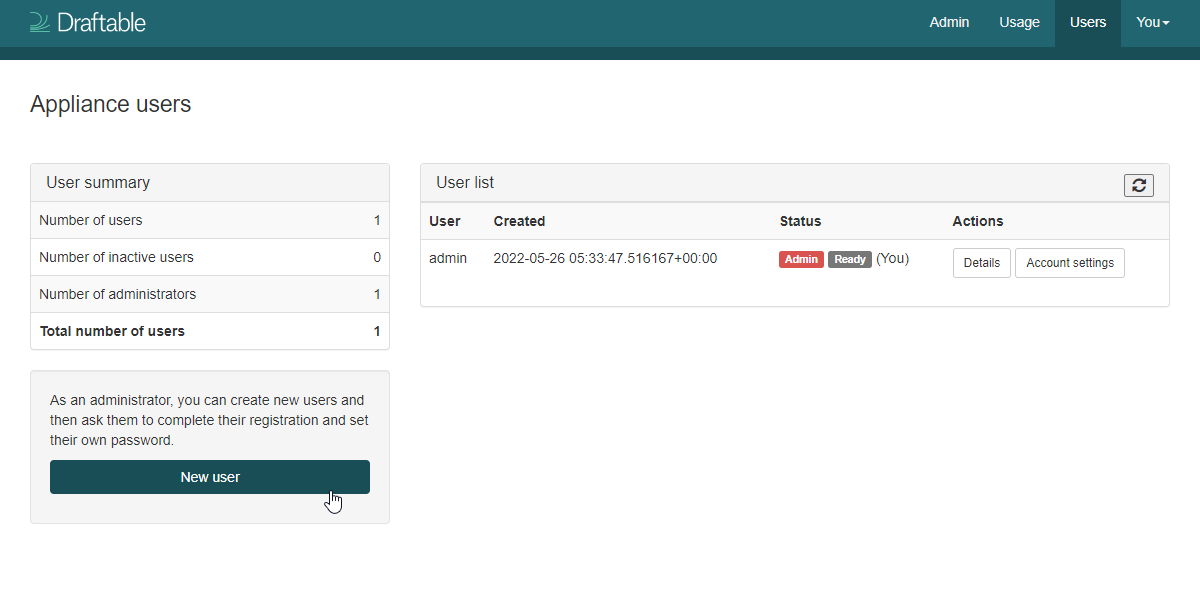
3
Now enter the email address for the new user you want to create and click on create user. 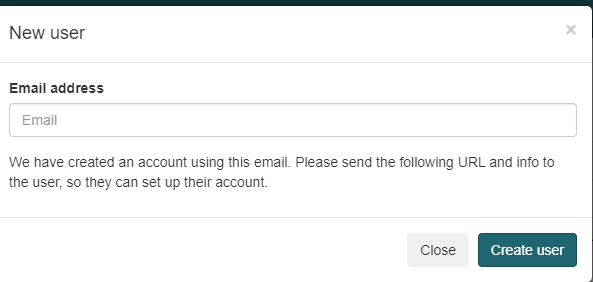
4
You will be presented with a link that can be used to fully activate the account. If you wish to activate this immediately click the link now.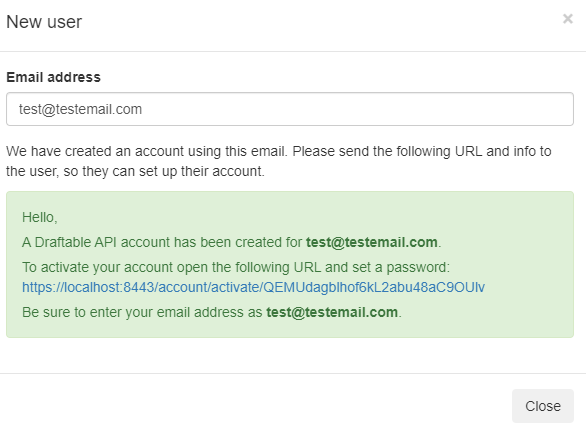
5
Enter the same email address as provided prior, then enter a password for that user. Remember the password will need to include a capitalised letter, a symbol and a number.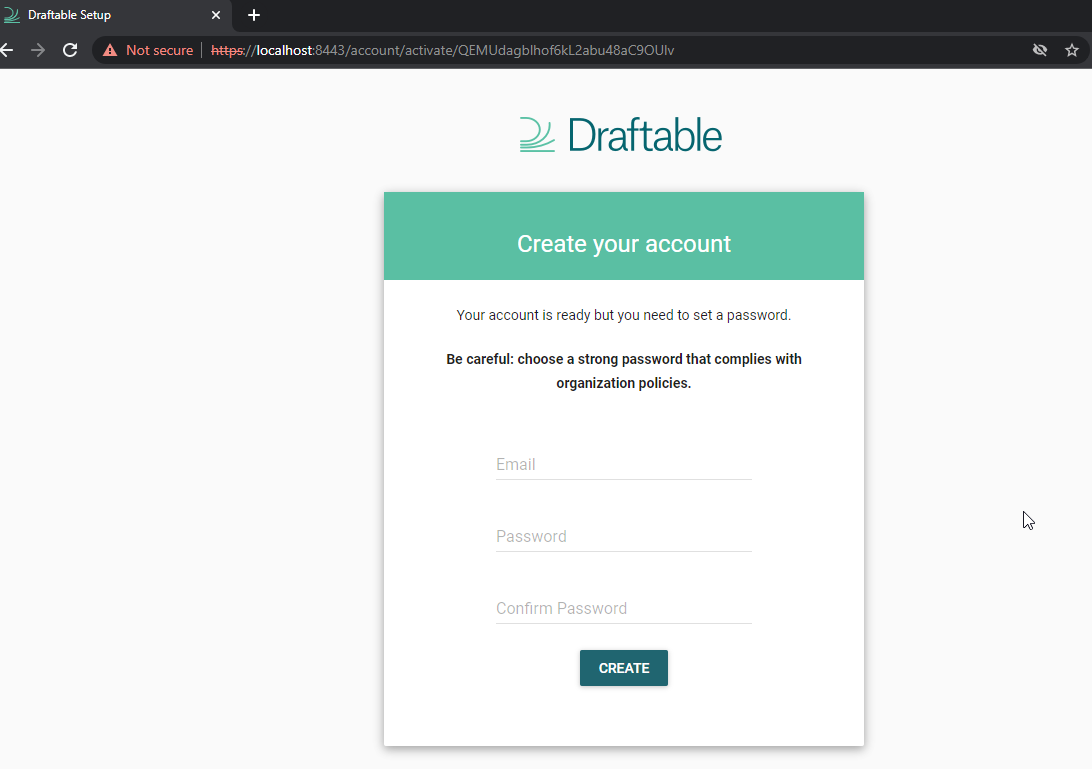
6
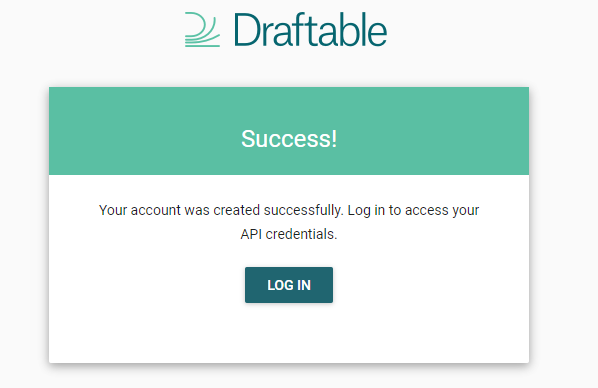
Your new user account has been created, and they can now log into your Draftable Self Hosted instance.