

Two ways to clean
How it works
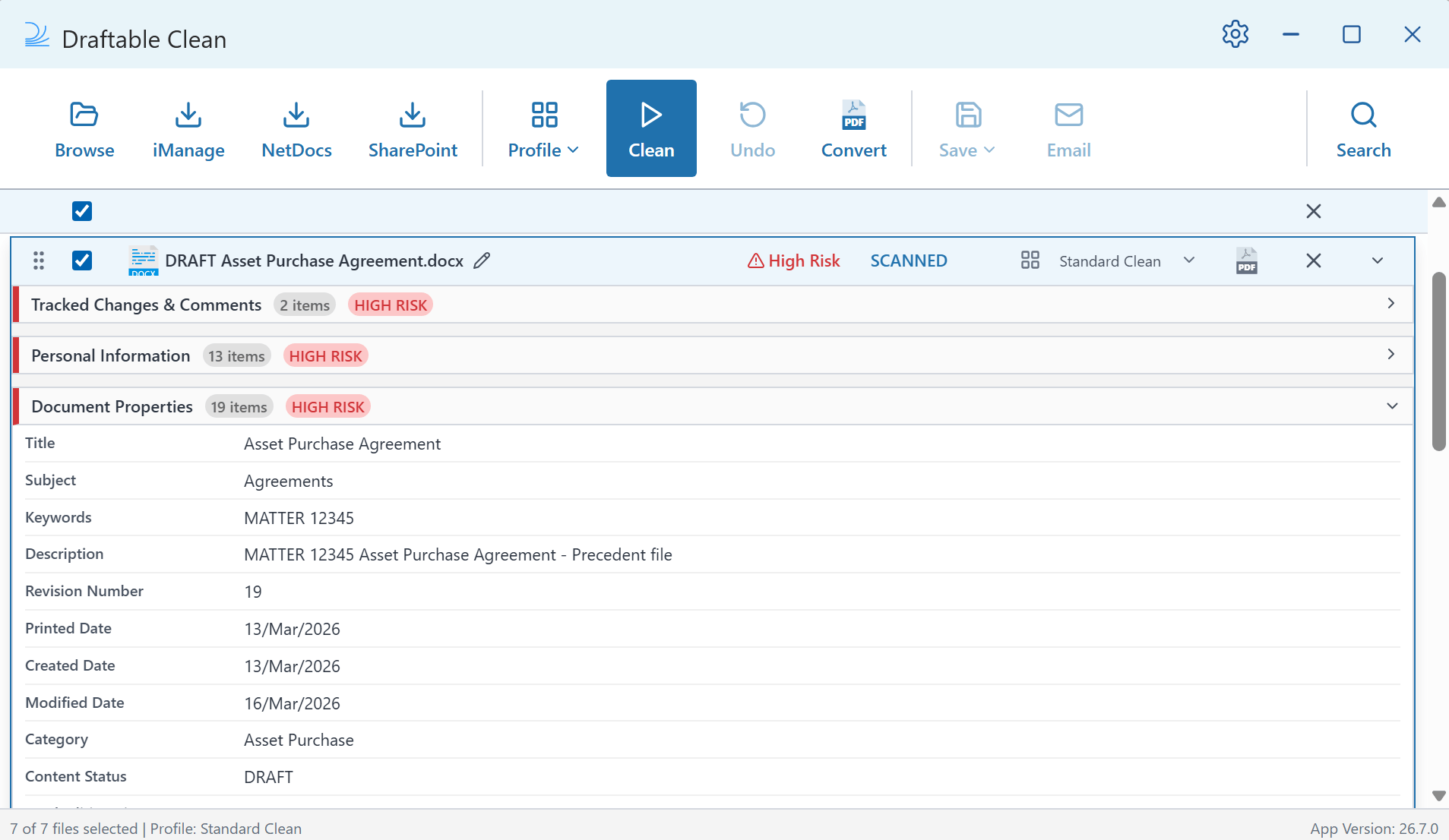
- Scan — Upload documents via Browse, drag-and-drop, or directly from iManage, NetDocs, or SharePoint. In the Outlook add-in, simply attach files to your email. Every file is scanned and assigned a risk rating with a detailed metadata breakdown.
- Review — Expand any file to drill into its metadata by category — Personal Information, Document Properties, Tracked Changes & Comments, Document Content, and Other Metadata — each with their own risk level and item count.
- Clean — In the desktop application, select a cleaning profile and click Clean. In the Outlook add-in, cleaning happens automatically based on domain rules configured in settings.
- Share — Save cleaned files as a ZIP, email them directly from the desktop application, or simply hit Send in Outlook with cleaned attachments ready to go.
Key features
Metadata categories
Draftable Clean organizes metadata into five categories. Each metadata type can be individually configured to Preserve, Remove, Replace, or Flatten within cleaning profiles. For a complete reference, see Supported Metadata Types.Getting started
Single-user Installation
Install Draftable Clean on your Windows PC and activate your license or start a free trial.
Quick Start Guide
Walk through using the desktop application and Outlook add-in to clean your first documents.
Supported file types
See which file types Draftable Clean can scan and clean.
Supported Metadata Types
Full reference of every metadata type with actions and risk levels.
System Requirements
Check the minimum and recommended system specifications.