

Updates in Draftable Business
Draftable regularly releases new updates, which can range from bug fixes & UI improvements to new features & functionality. Updates are downloaded automatically and installed on application restart (or system restart). Sometimes, as part of support, we may release a specific update for you. This will not be automatically installed. You will need to manually update to get these updates.How to check the current version of Draftable Business
To check which version of Draftable Business you currently have:1
In your system tray, right click Draftable and go to Settings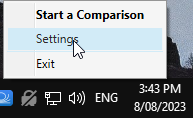
2
In Settings, the current version is shown in the the bottom left corner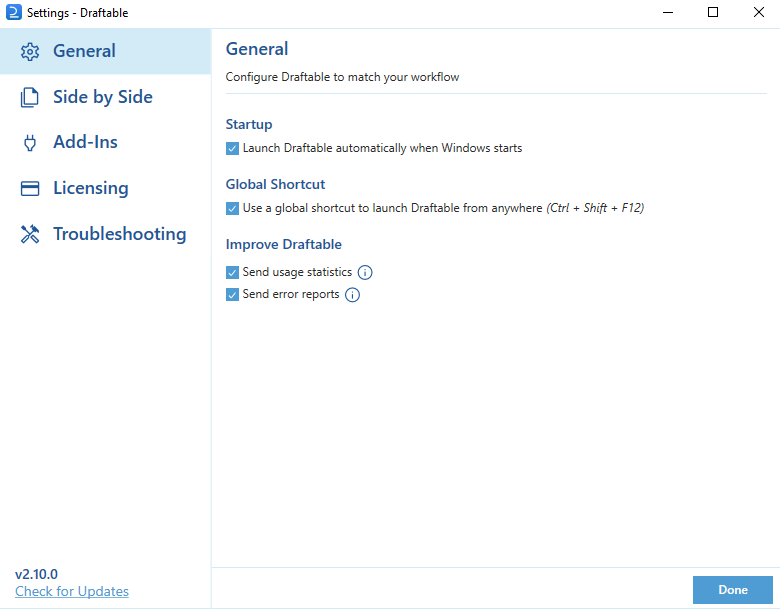
Manually updating Draftable Business
To manually update Draftable Business to the latest version:1
In your system tray, right click Draftable and go to Settings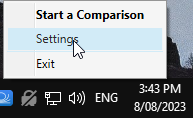
2
Click Check For Updates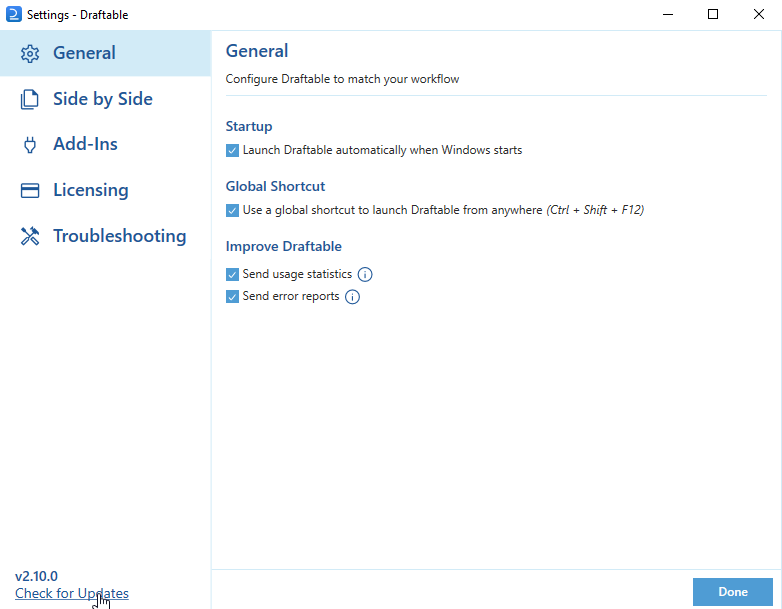
3
If there is an update available, the update will start immediately.
4
Once the update is complete, restart the program.
5
Draftable Business is now updated to the latest version.