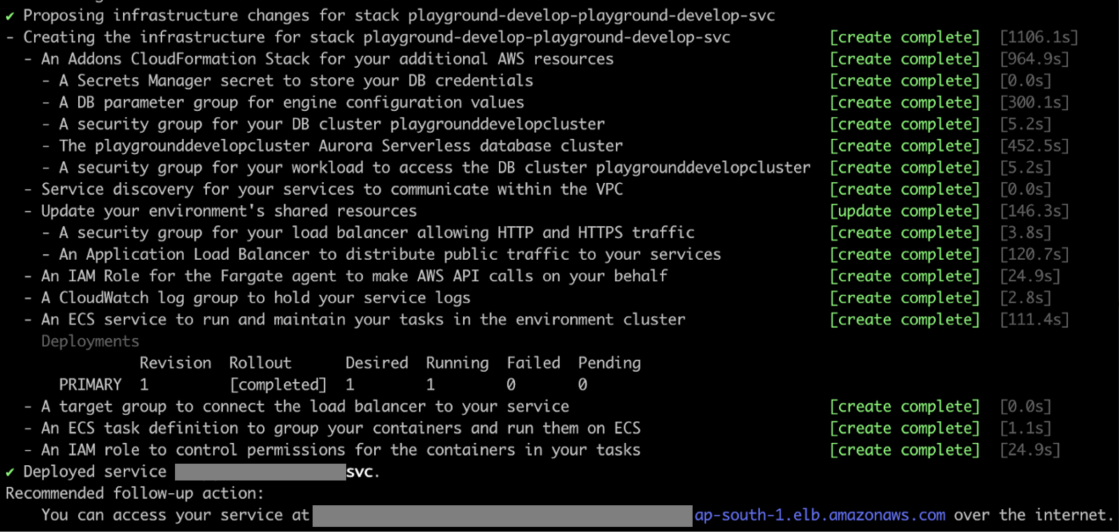
Note: Currently there is no native method of persistent storage instances using AWS copilot. This means that if you stop your instance, you will lose all your data, configuration and comparisons for your Self-hosted appliance. If this is an issue, we suggest deploying Self-hosted instances using ECS using a non-copilot method which will provide your instance with persistent storage.
Deployment guide
This deployment guide is broken up into multiple sections as there are many prerequisite configurations required before you can successfully launch a EC2 instance via AWS copilot. If you have never deployed a AWS EC2 instance with this method, please follow along carefully as deployment may not be successful if all steps are not followed.Installing AWS CLI
Depending on whether you are using a Windows or Linux based environment, you will need to configure and setup the AWS CLI on your terminal to be able to use AWS copilot. Please refer to Amazon documentation regarding this step and verify that the CLI is installed by using the following command.AWS user authentication and docker
Now you need to log into your AWS account via the CLI, however before doing this you will need to ensure that the account being used has the following permissions set:- AdministratorAccess

Setup location and installing copilot
Choose a location on your machine where you will host you copilot content, which will include the copilot executable and your instance files such as manifest and Dockerfile. Once you have setup that directory, you will point your terminal to that directory and install copilot. Below is a command examples depending on your operating system environment. Please ensure you edit these commands to correctly set the installation location for copilot.Linux
For Linux x86 (64-bit) systems:Windows
Using Powershell or similar, run the following command:macOS
For macOS:Configuring your Docker file and final checks
A Dockerfile is a text document that contains all the commands a user could call on the command line to assemble an image. A Dockerfile is required for copilot as it reads this file to know where to pull the image from. Hence you can build a Dockerfile with a single line of text below.Using Copilot to launch your instance
Now we can start to use copilot and build our Self-hosted instance. Start with the command: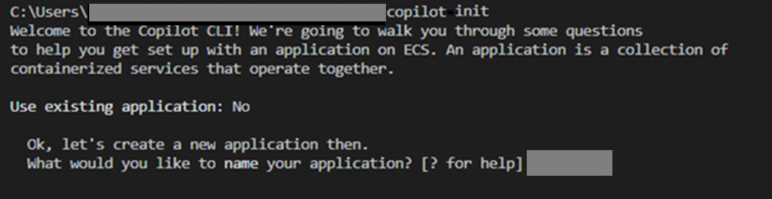




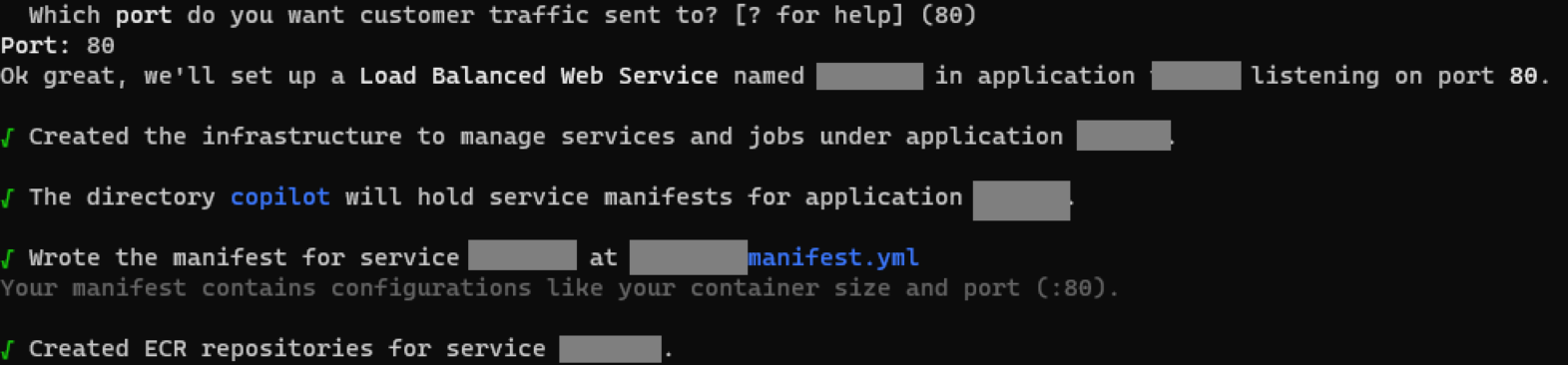

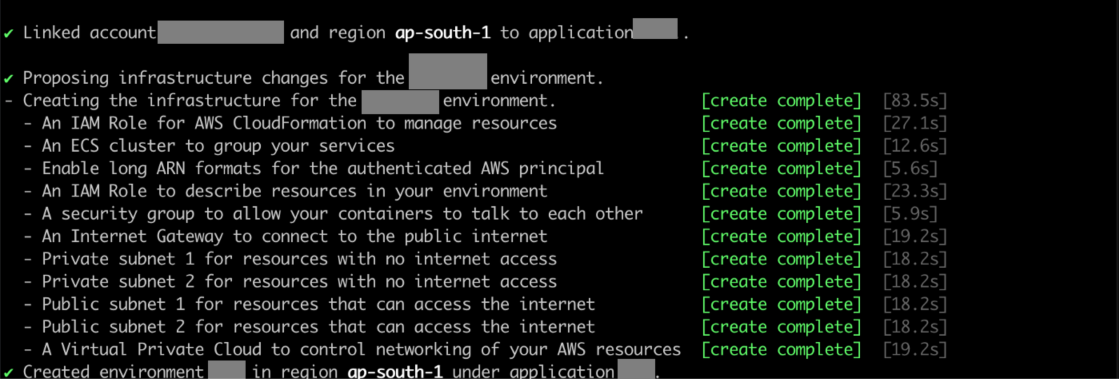
Finalising and connecting to your new instance