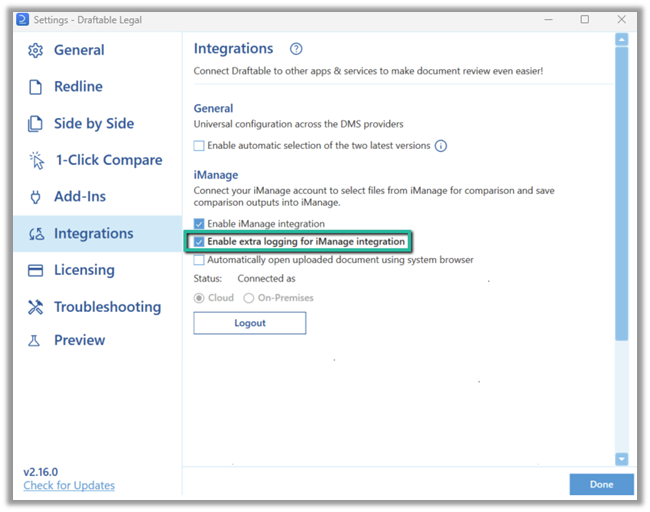
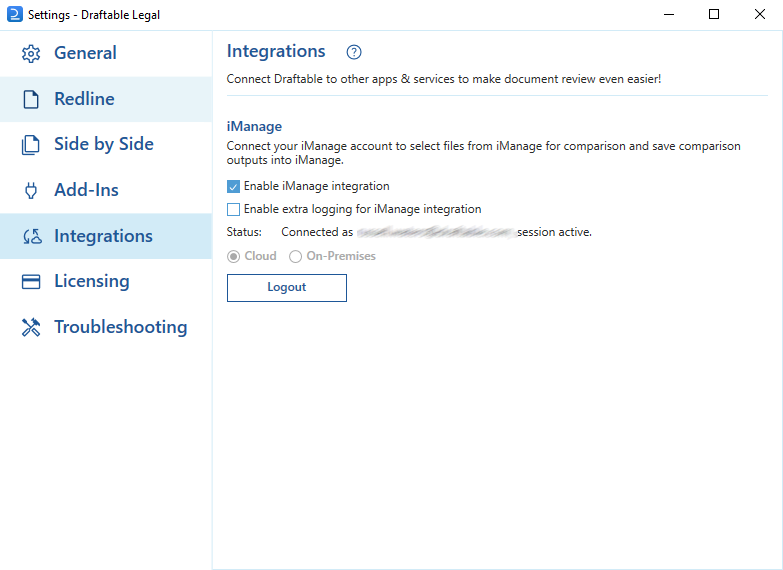
The settings menu was reorganised in Draftable Legal 26.6. If you are on 26.6 or later, follow the “26.6 and later” tabs below. On earlier versions, follow “Before 26.6”. To check your version, open Settings. The version number shows at the bottom-left (for example, v26.6.0).
This article provides the method for how to activate this logging feature so that additional iManage diagnostic log files can be captured.

How to enable the iManage logging option

Firstly, we need to open the settings menu, this can be done in a few ways:
  1. Open settings via the Taskbar
    1
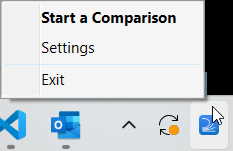
    Right-click the Draftable icon in the taskbar
    2
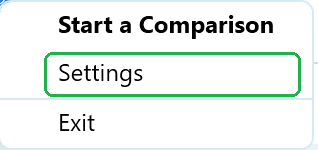
    Select Settings as the 2nd option
    Selecting Settings from the Draftable taskbar menu
  2. Or, open the settings menu via the New Comparison Window
    2
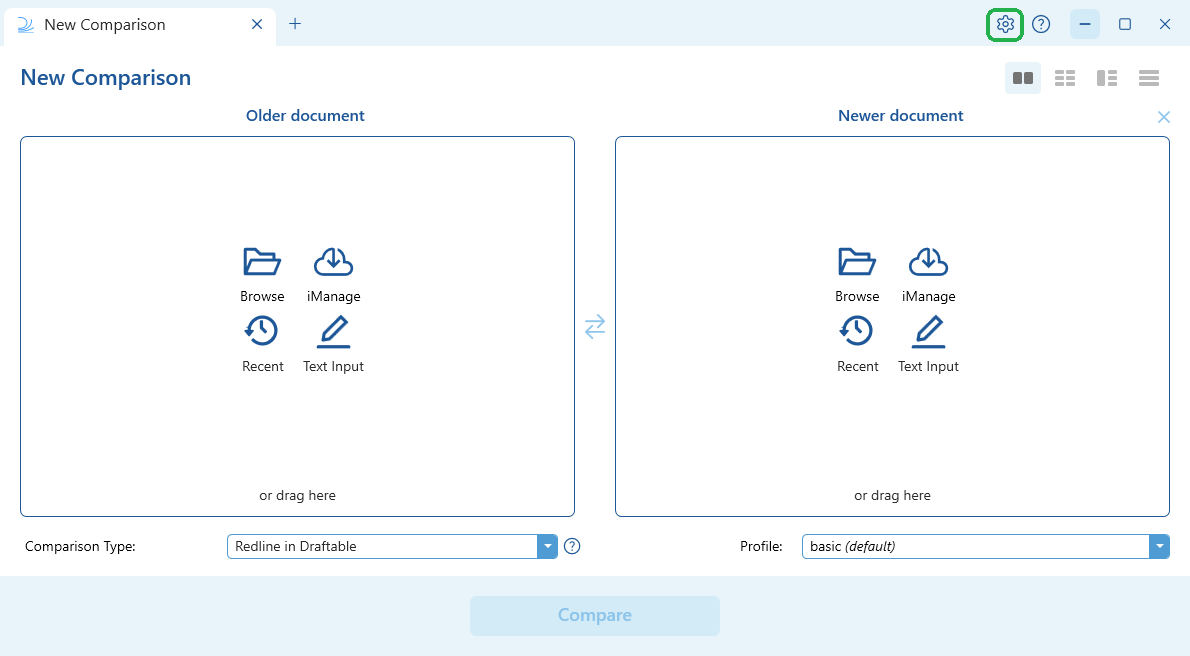
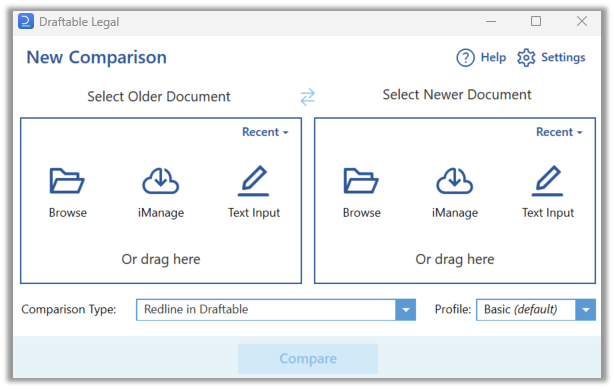
    Select Settings in the top right of the window
    Selecting the Settings gear in the top right of the New Comparison window
The setting itself moved in Draftable Legal 26.6. Select the tab for the version you are running.
With the settings menu open, select DMS Connections, then expand the iManage section. The setting is called Detailed logging.
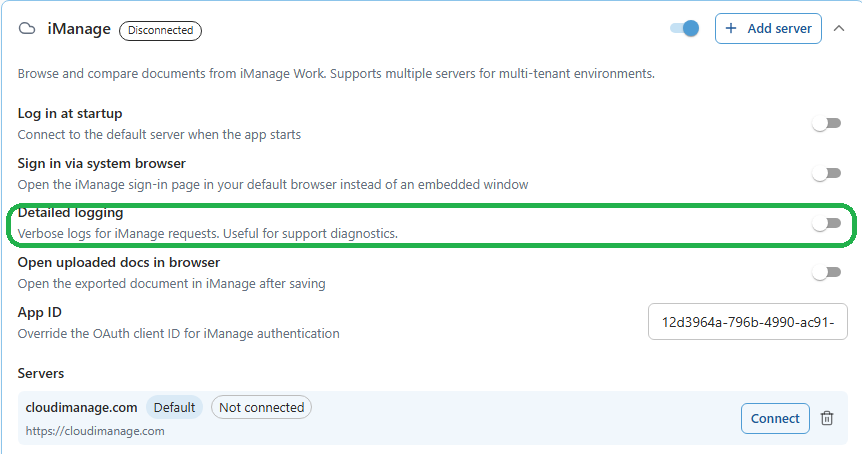
The iManage section only expands once the iManage integration is switched on with the toggle to the right of the iManage heading.
The iManage section of DMS Connections in Draftable Legal 26.6, with the Detailed logging toggle highlighted
Switch Detailed logging on if you require additional logging for the iManage integration to be captured.
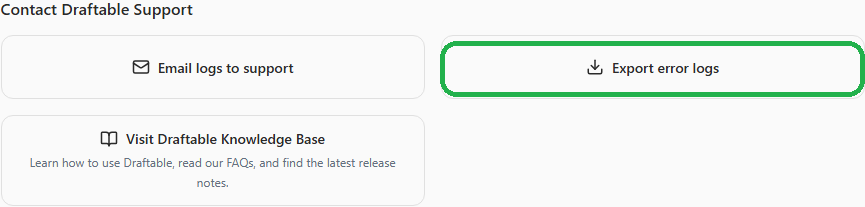
If you have a persisting iManage issue, and you have ensured that iManage logging is enabled, we recommend you reproduce the issue, and then export the Draftable logs. In 26.6 and later this is done from the Help & Troubleshooting section of the settings menu, using Export error logs under Contact Draftable Support. In versions before 26.6 the same option is in the Troubleshooting section. Either way you will export a zip file of all the logs, and we then recommend you email these logs to us at support@draftable.com where we will investigate your issue further from there.
The Export error logs button under Contact Draftable Support in Help & Troubleshooting