For Cloud
For On-premises
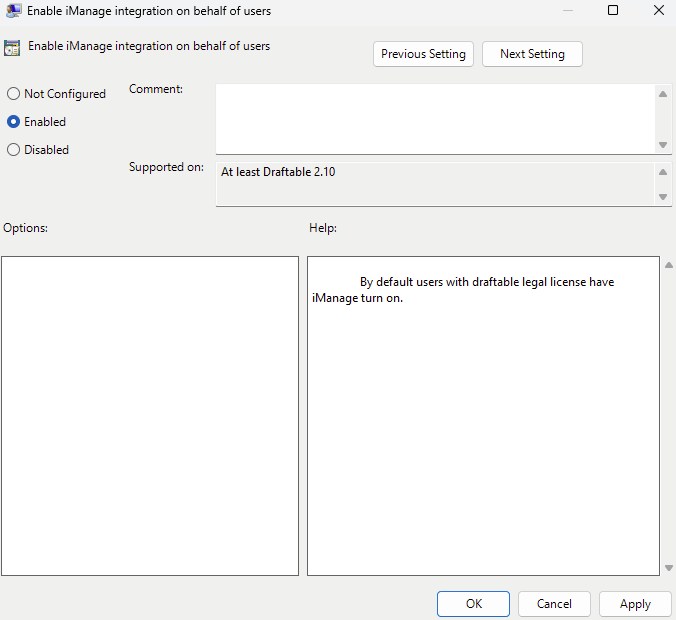
Configuring the setting via group policy
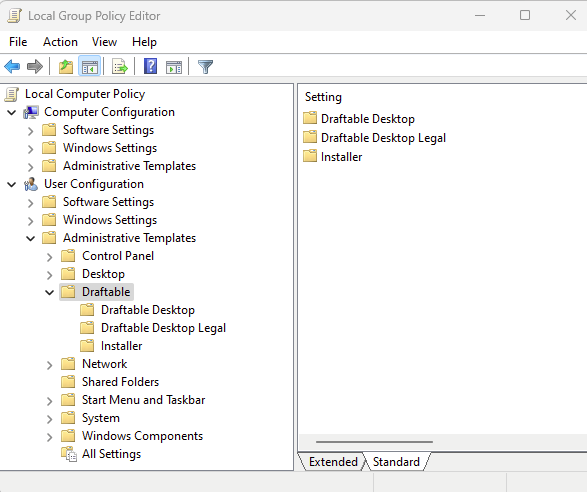
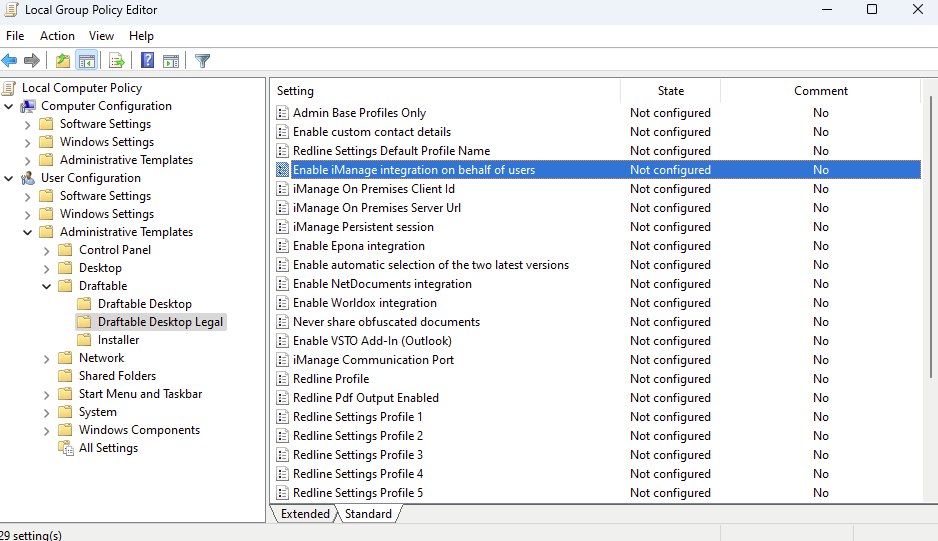
If you do not already have the Group Policy templates installed, please read this article first about the Draftable Legal Group Policy Settings which details where the templates are located and how to install them. Once you have installed the templates, you can open up the Group Policy Editor and expand either the Computer Configuration or User Configuration depending on how you are deploying Draftable Legal. Under the Administrative Templates folder, you will see a Draftable folder which contains three subfolders which that allow you to configure various Draftable Legal settings.