

The settings menu was reorganised in Draftable Legal 26.6. If you are on 26.6 or later, follow the “26.6 and later” tabs below. On earlier versions, follow “Before 26.6”. To check your version, open Settings. The version number shows at the bottom-left (for example, v26.6.0).
Connecting your SharePoint account to Draftable Legal
1
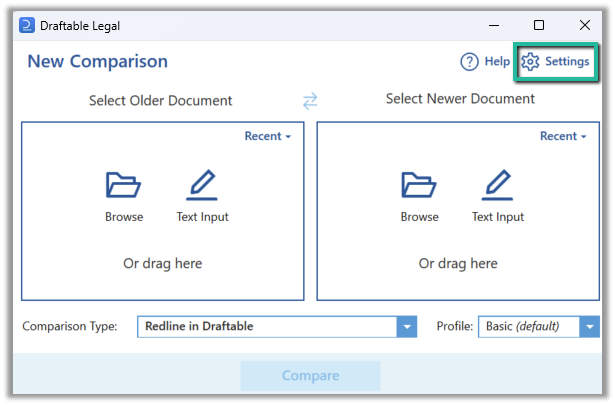
Open the Draftable Desktop (New Comparison Window) and select the ‘settings’ in the top right corner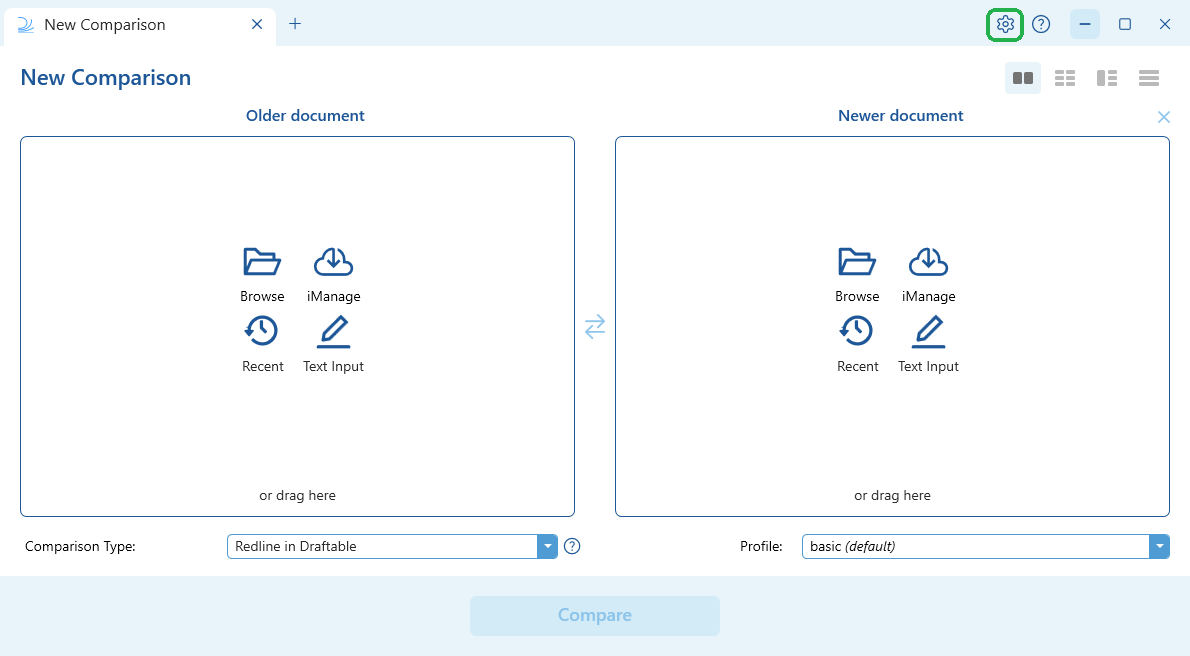
- 26.6 and later
- Before 26.6
2
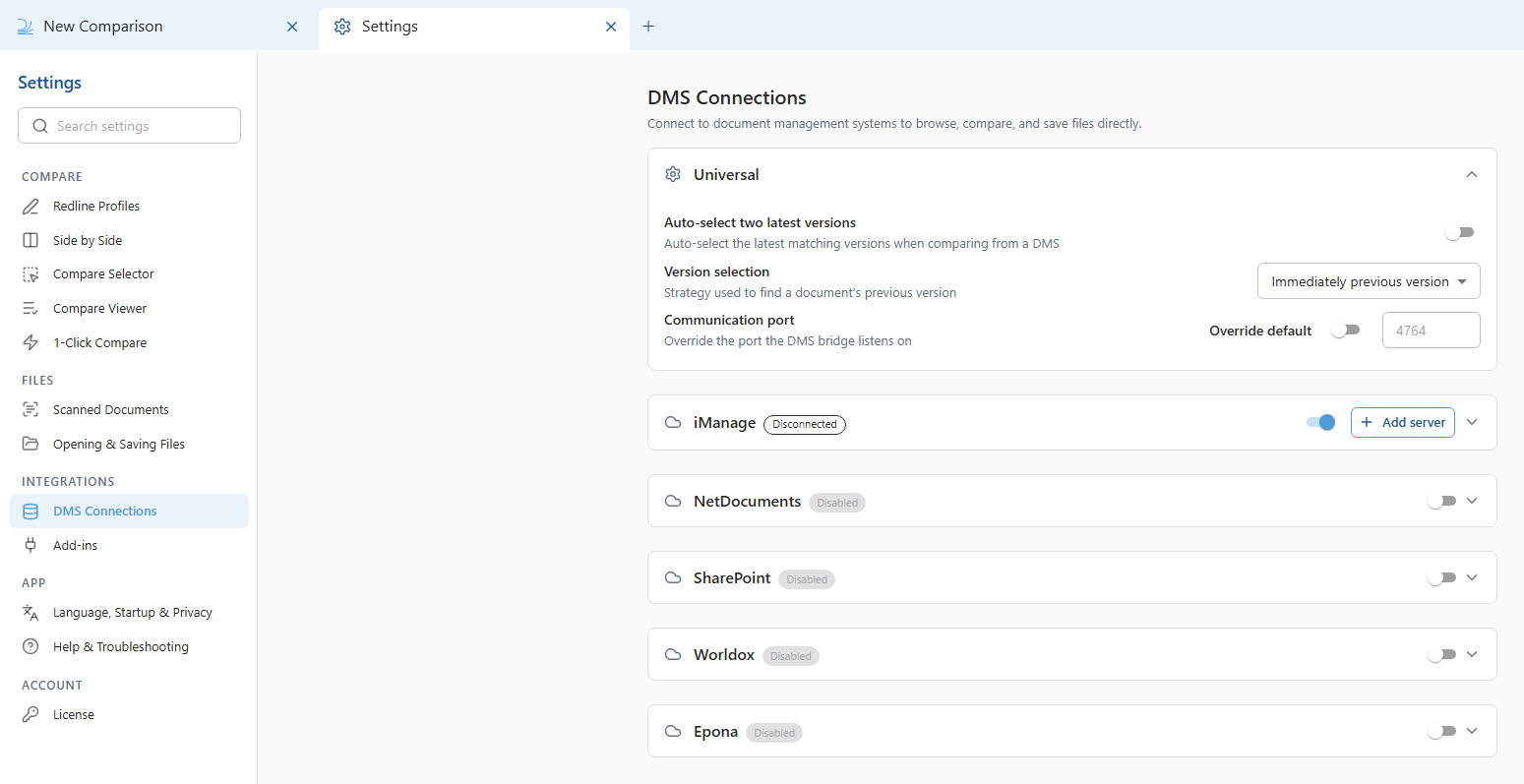
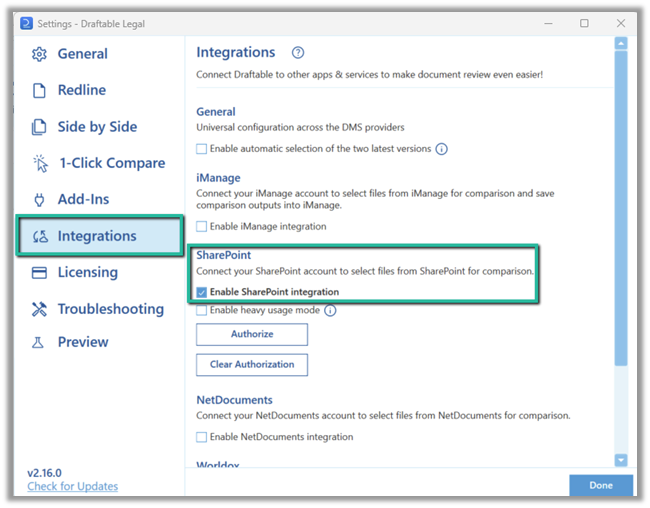
Open the SharePoint settings and enable the integration. SharePoint must be enabled first before you can sign in.
- 26.6 and later
- Before 26.6
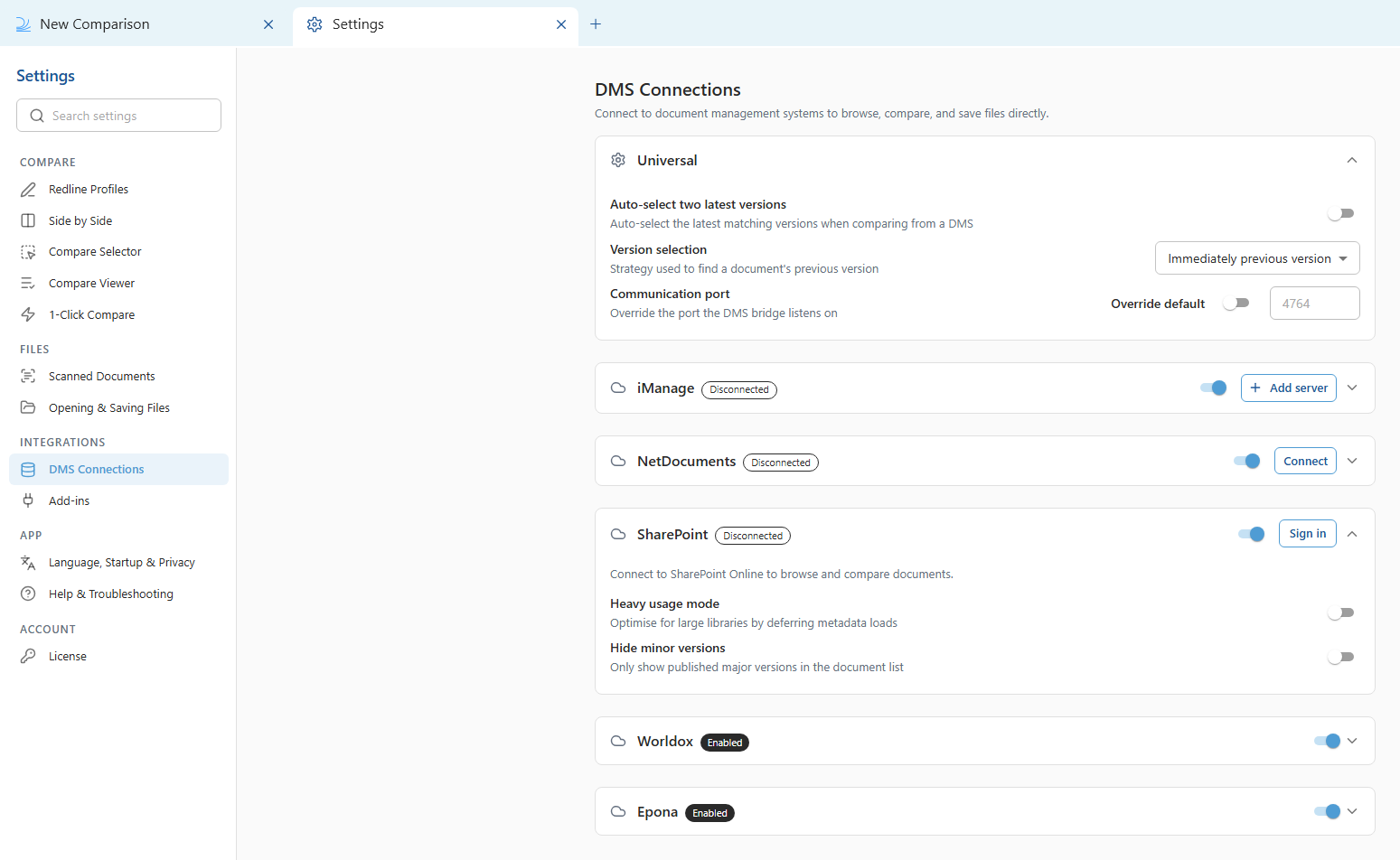
In the settings menu, select DMS Connections, then expand the SharePoint accordion.Turn on the SharePoint toggle to enable the integration. This must be done first, before signing in.
3
Select Sign in (called “Authorize” before 26.6) to start the connection.In the Microsoft sign in screen, select an account to authorize the connection.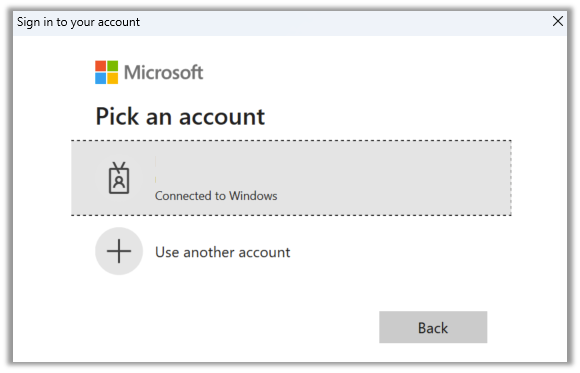
- 26.6 and later
- Before 26.6
With the SharePoint accordion still expanded under DMS Connections, select Sign in.
4
Your SharePoint integration should now be enabled.
In 26.6 and later, you can disconnect the account at any time with Clear authorization in the SharePoint accordion under DMS Connections.