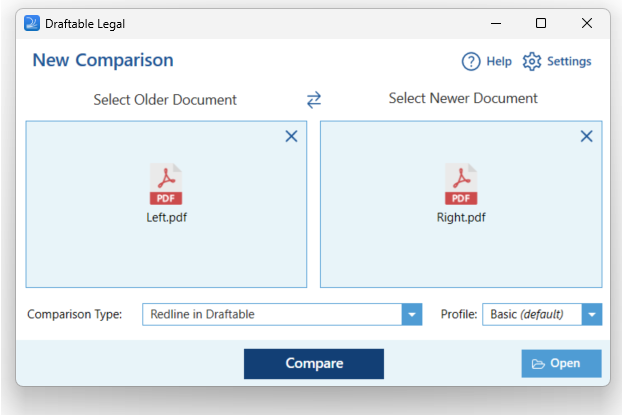
Note:You must ensure you have the Draftable Word Add-in installed in Microsoft Word to use this feature
Loading email attachments into Draftable Legal
1
Open the email containing the file attachments.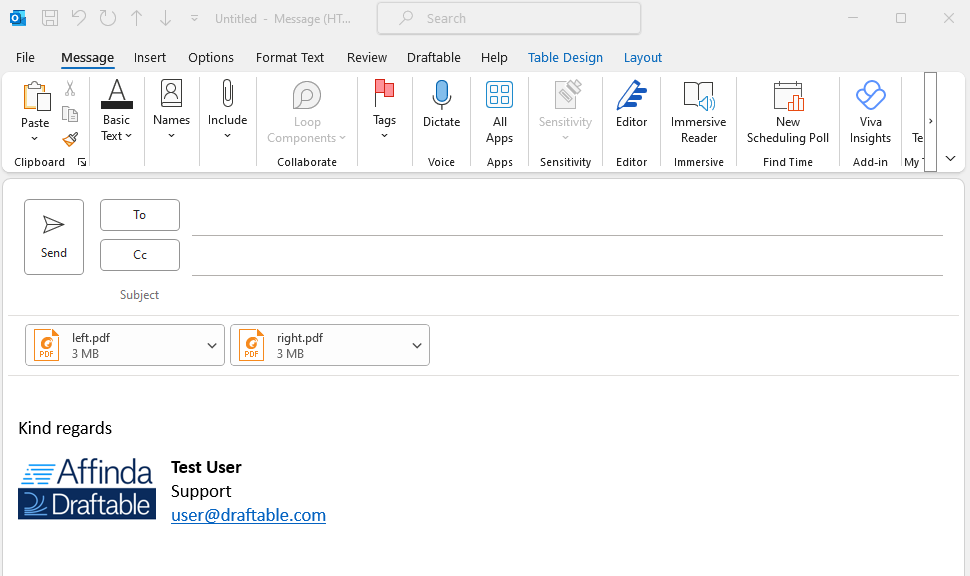
2
Navigate to the Draftable Tab within the email window, and then select the Compare icon.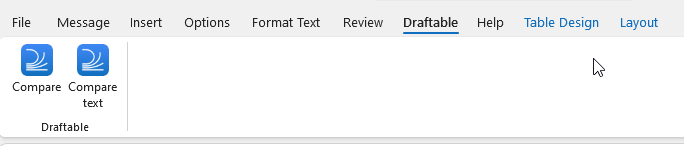
3
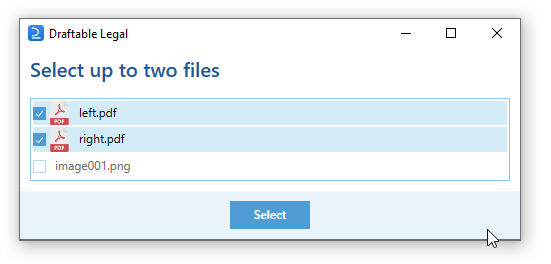
You will be prompted to select the files you wish to compare from the email. In this case, we will select the Left and Right PDF files.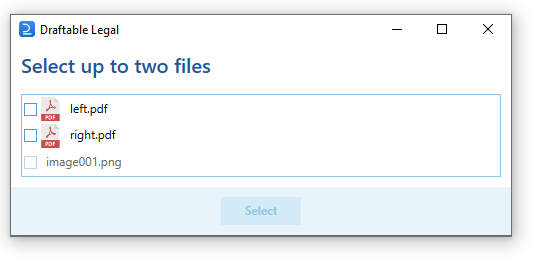
4
Once the files have loaded, you can run the comparison by selecting the compare button.